
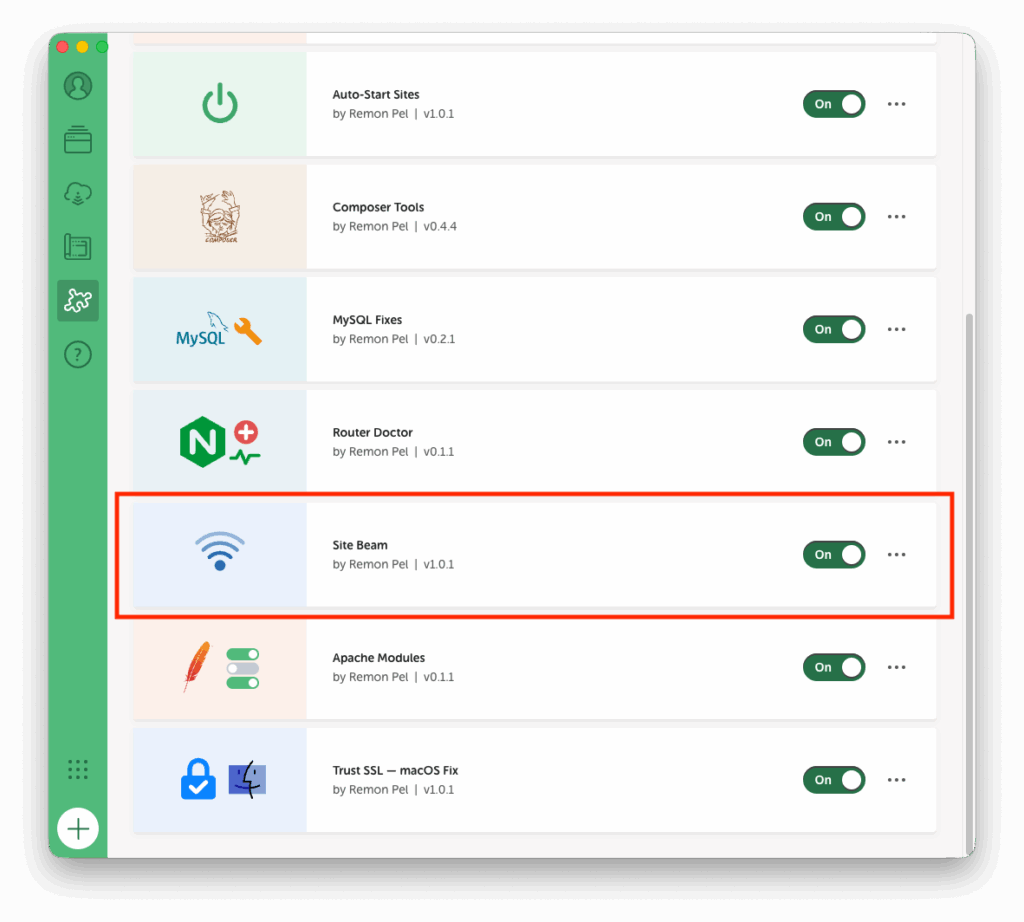
You might have noticed a pattern in my recent posts. First you hear nothing from me for years, and now all of a sudden, 7 posts in short succession…
And if you checked the imagery, you already seen what’s coming next.
Yes, here it is. Addon number 7, the biggest, the boldest.
This is my farewell gift, and I’m not even going anywhere.
Two laptops, one desk, one site that needs to move from A to B. The official route; export the site on machine A, watch a progress bar, find the zip, AirDrop-or-USB-stick it over, drag it into Local on machine B, watch another progress bar and move on.
For a transfer between two machines that are LITERALLY ON THE SAME NETWORK, half a meter apart.
Or perhaps you have to work on a project you haven’t worked on yet, but your coworker has it, but they are at home, and you… you are also at home, but it’s a different home.
We put people on the moon in 1969. Surely we can copy a WordPress site across a desk or via the interwebs.
The Problem
Local has no machine-to-machine anything. Cloud Backups exist (via third-party cloud storage), and export/import exists (via you, the human progress-bar-shepherd), but “just pull this site from my other computer” — nope. Every transfer is a multi-step manual ritual with plenty of opportunity to mess up in the middle.
So what’s the secret?
All the building blocks exist, and have existed for years;
- mDNS/Bonjour — the same tech your printer uses to announce itself — lets machines discover each other on a LAN with zero configuration.
- Local’s own site-creation flow can be driven programmatically; the official Cloud Backups addon does exactly that. So a receiving machine can create a proper, fully-registered site — not some hand-copied folder Local doesn’t know about.
- A site is, in the end, files plus a database dump. Both eminently copyable.
- And for machines on different networks, croc already solved encrypted peer-to-peer transfer with a code phrase. *1
Nobody had glued these together for Local. So; glue was applied. ;)
The Solution
Site Beam — a Local addon that lets two or more computers running Local find each other and copy complete sites (all files + full database) from one to the other. In one click. Under Tools → Site Beam;
Yeah, Yeah, I really want it to be a tile in the “Add site” panel, but unfortunately, there isn’t an API hook for that yet, so we have to make due with what we got. (PRs for improvement are ALWAYS welcome, please see the Github Project page)
LAN mode: enter the same shared code on every machine, and within ~15 seconds they see each other under “Computers on your network”. Browse the other machine’s sites, click Copy to this computer, done. Security-wise; only a hash fingerprint of the code is ever broadcast, every request between peers is HMAC-signed with a key derived from the code, and the code itself never travels over the network. (The payload itself goes over plain HTTP though — this is designed for trusted LANs, not the coffeeshop wifi. Fair warning!)
WAN mode: if croc is installed (brew install croc — and if it’s missing but Homebrew is there,*1 the UI offers a one-click install), pick a site, click Send, and a code phrase like beam-a1b2-c3d4-e5f6 appears. Get that phrase to the other computer however you like, paste, Receive. End-to-end encrypted, works across the internet, no shared network needed.
Crucial note; croc needs to be the exact same version on both partners in the hand-over, and croc moves fast with the updates, so be sure to brew upgrade croc and restart Local (haven’t figured out yet why the restart is needed, but in all 1 testcases (yes, pun intended) this happened, it was needed)*1

The details that make it actually usable;
- The real folder layout is preserved — custom webroots like
app/public_html, composervendor/,conf/templates and all. Custom-webroot sites are recreated as custom environments on the destination. - The database travels as a fresh portable dump; machine-specific socket paths in
.env/wp-config.phpare rewritten on import, and URLs are search-replaced to the new host. - Name or domain already taken on the receiving side? Nothing is overwritten by default; you choose Copy as new or Overwrite (with an explicit are-you-sure step).
- mDNS blocked (VLANs, guest wifi, VPNs)? “Add by address” with the
ip:portshown on the other machine. Port 47600 must be open. - Using a VPN solution works great, I have been copying sites from home over Tailscale. Works like a charm.
Full transparency on quality assurance; testing was limited to 1 person, 2 laptops and 3 beers on one late evening. Don’t expect perfection. DO expect it to beat the export-stick-import ritual :). I have copied about 30 sites since then, and only a few failed, for good reason.
- Some had the app folder as a symlink to a git clone; during restore, the LocalWP-created-app folder blocks the copy.
- Some had weird stuff with the public folder, same effect.
The rule of thumb here; if you have a very clever set-up; it might be too clever for this Addon; simplify it, try again.
Get it
Source on GitHub: rmpel/Local-Site-Beam. Be sure to read the notes.
Install from source (MacOS and Linux);
git clone git@github.com:rmpel/Local-Site-Beam.git

cd Local-Site-Beam

./scripts/install.sh   # symlinks into Local's addons dir + npm install
Restart Local to make it visible in the Installed addons list, toggle on as usual.
Install from a dist file (All OS); grab the latest .tgz from the dist folder, or build it with ./scripts/build.sh, and use the “Install from disk” feature in LocalWP.
UPDATE 11/09/2026;
*1: In version 1.2.0, croc is removed as it proved to be unreliable at best. Replaced with a default relay method using a piping server. You can self-host one; https://github.com/nwtgck/piping-server, or you can use ppng.io, an open relay.